
Compatibility
Minecraft: Java Edition
Platforms


Links
Tags
Creators
Details
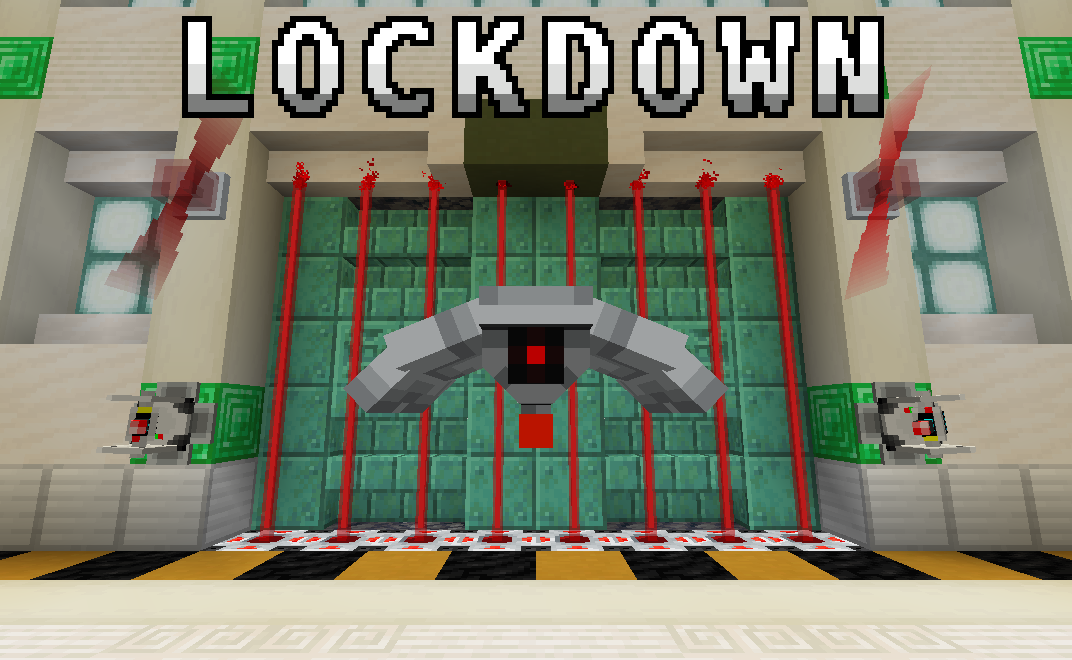
From laser turrets to force fields, Lockdown adds security-themed blocks/items to secure your base against intruders!
A more complete wiki is available here
Features
Security
Encoding Station: Assigns a code to any encodable device. The device of choice is placed in the top slot, while three dye representing the code go in the bottom row.
Keycard reader: Emits a redstone signal when any player within five blocks holds a keycard with the same code as itself. Assign a code/channel using the Encoding Station.
Laser Projector: When powered, it emits a short-range laser that damages mobs that touch it.
Alarm Lights: Emits a rotating glow when it detects a wireless signal from a device on the same channel. Assign a channel using the Encoding Station.
Klaxon: Plays an alarm sound-effect when powered. Right click the block to cycle between available alarms.
Force Field Projector: Projects an indestructible force field when powered. Right click the block to cycle between different force field sizes, ranging from 1x1 to 5x5.
Defense
Defense Turret: Fires a laser beam at any hostile mob it detects within range. Will not attack players by default. However, when assigned a code, it will attack any player whose last held keycard does not match. Optionally assign a code using the Encoding Station.
Defense Drone: Patrols the surrounding area and attacks any hostile mobs it finds using its laser beam. Will not attack players by default. However, when assigned a code, it will attack any unrecognized player whose last held keycard does not match. Optionally assign a code using the Encoding Station.
Air Defense Cannon: A large, player-controllable cannon that fires bolts of energy.
Upgrades
Durability Upgrade: Increases the health of a drone or turret.
Flamethrower Upgrade: Allows drones to shoot fireballs and turrets to shoot bolts of fire instead of lasers.
Range Upgrade: Increases the effective range of a drone or turret.
Suspicious Thumb Drive: Causes drones and turrets to attack players and friendly mobs. Found in abandoned bunkers.
Tools
Key: Allows you to lock containers. Add a unique code in the encoder, then shift + right-click on a container to add or remove the lock.
Laser Blaster: A ranged weapon that fires lasers at your enemies. Be careful not to let it overheat!
Redstone Energy Cell: Fuel for the laster blaster.
Spray Can: Applies colors to turrets, drones, and cannons. Right-click in main-hand to apply primary color, and right-click in off-hand to apply secondary color. Cycle between colors with sneak + right-click.
Redstone
Wireless Transmitter: When powered, it outputs a wireless signal to any receiver on the same channel. Assign a channel using the Encoding Station.
Wireless Receiver: Outputs a redstone signal when it detects a wireless signal from a device on the same channel. Assign a channel using the Encoding Station.
Player Detector: Outputs a redstone signal when it detects a player within a five-block radius.
Mob Detector: Outputs a redstone signal when it detects a mob within a five-block radius.
Big Buttons: Similar to a regular button, except more imposing! Can optionally be assigned a channel to broadcast to using the Encoding Station.
Structures
Abandoned Bunker: An uncommon, partially-buried structure abandoned by an unknown faction. Whoever built them is long gone, but the defenses they left behind sure aren't!
Cheats
You can give yourself all blocks/items in the data pack with the following commands:
# R3 and Beyond
/loot give @s loot lockdown:cheat/alarms
/loot give @s loot lockdown:cheat/buttons
/loot give @s loot lockdown:cheat/keycards
/loot give @s loot lockdown:cheat/machines
/loot give @s loot lockdown:cheat/tools
/loot give @s loot lockdown:cheat/upgrades

# R2 and Prior
/function lockdown:give/alarms
/function lockdown:give/blocks
/function lockdown:give/buttons
/function lockdown:give/devices
/function lockdown:give/upgrades